How to disable page view by default in draw.io
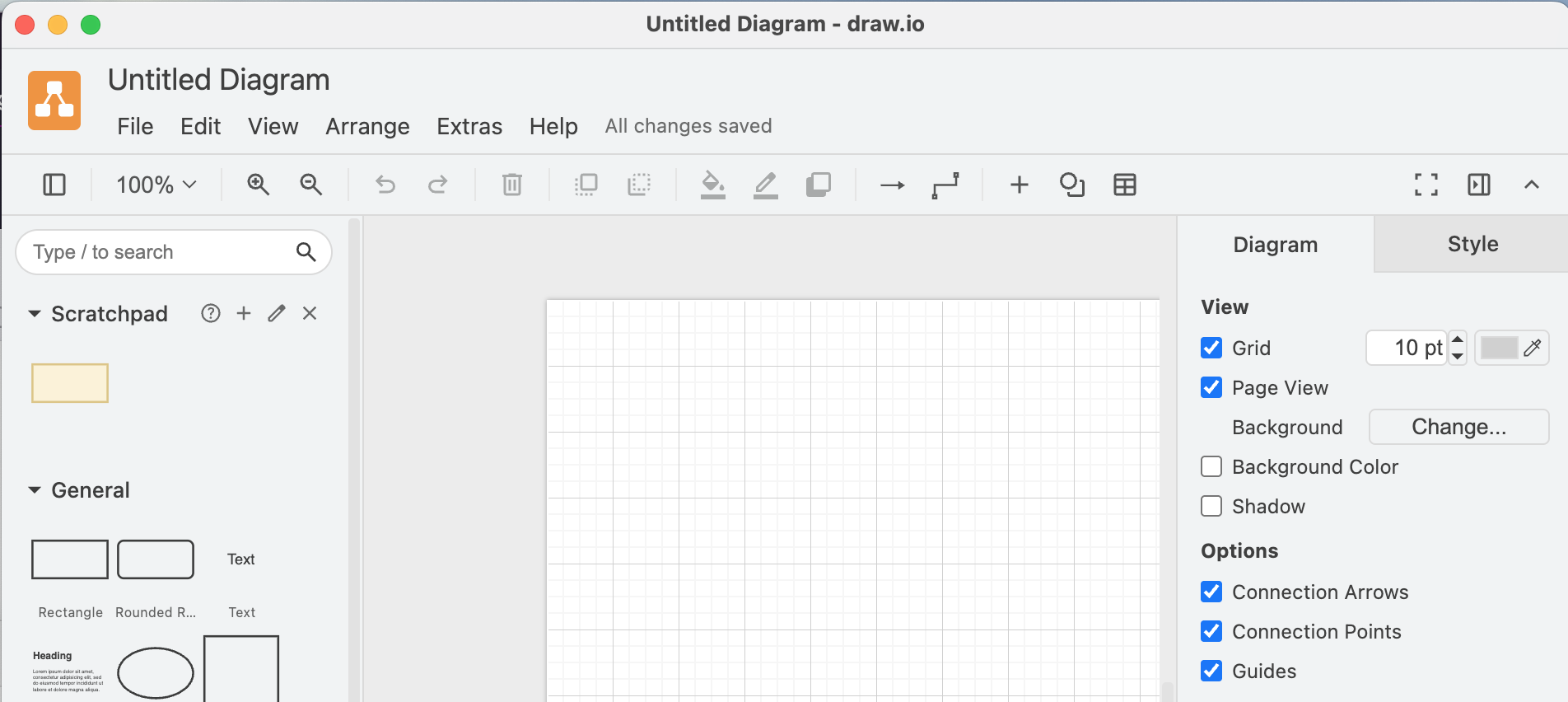
I’m using draw.io to create diagrams or as part of workshops to visualize ideas or organize information. I almost never print any of the diagrams I’m creating, but the app defaults to a page view. I find that I naturally gravitate to trying to fit things within the default page size and get a bit irritated when pages are automatically added or removed depending on where I move stuff. Fortunately, page view can be disabled in the diagram options by unchecking the checkbox in the diagram menu, or via the View menu. Since I do that for pretty much every diagram, I wondered if there’s a better way. Changing the default so that new files start with the whole canvas available is not that difficult once you find the right configuration options. Getting there took me a bit, so I’m writing this quick guide for you (and future me). ...